Adjusting the difficulty level
Activities tailored to the child
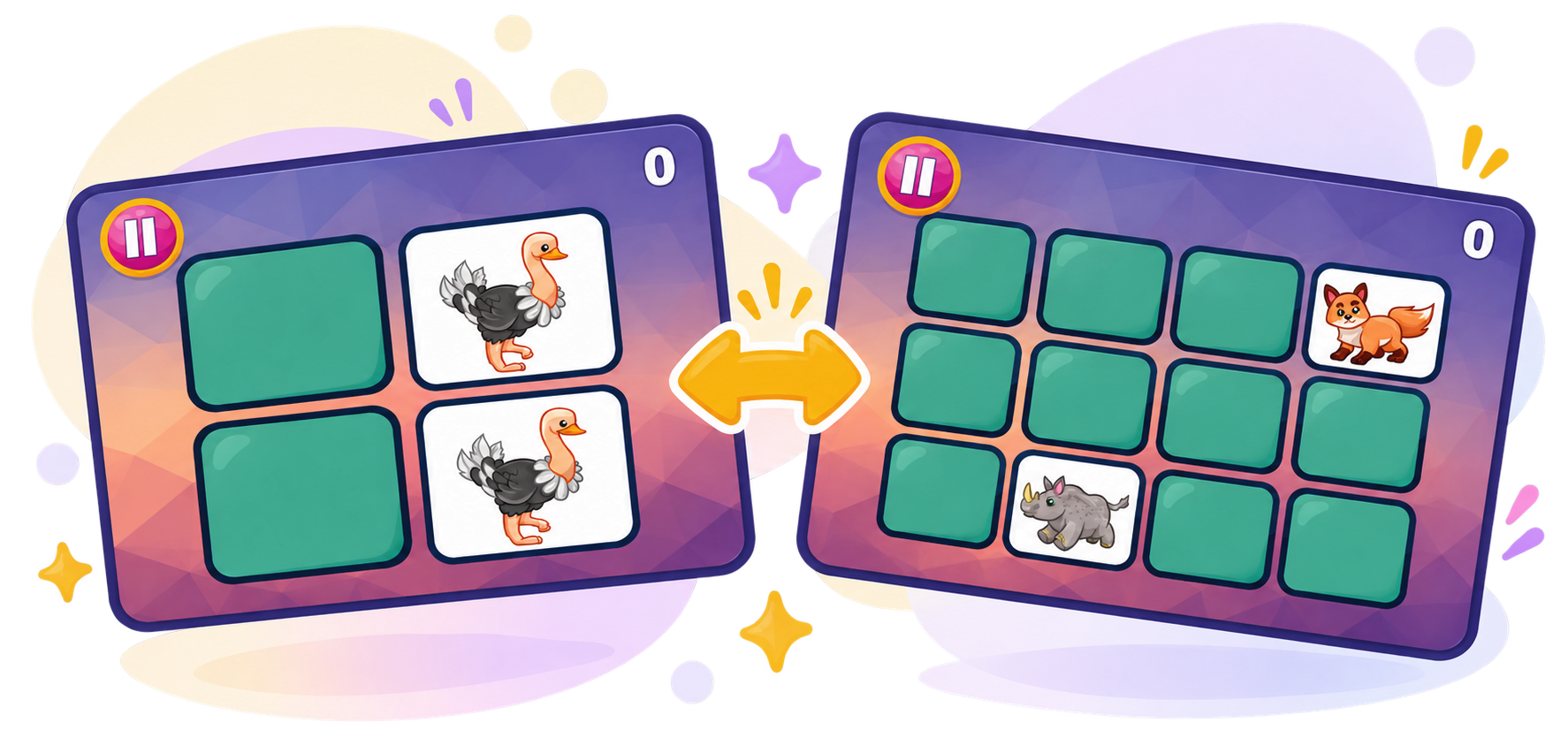
Most games in KINKA allow adjusting the difficulty level to the child's current abilities.
Depending on the activity, the selected level affects the number, size or speed of moving objects, as well as the time for which the child must keep their gaze on them.
As the child progresses, the difficulty level can be gradually increased, matching the challenges to their growing skills.
Background adjustment
Fewer stimuli, more focus
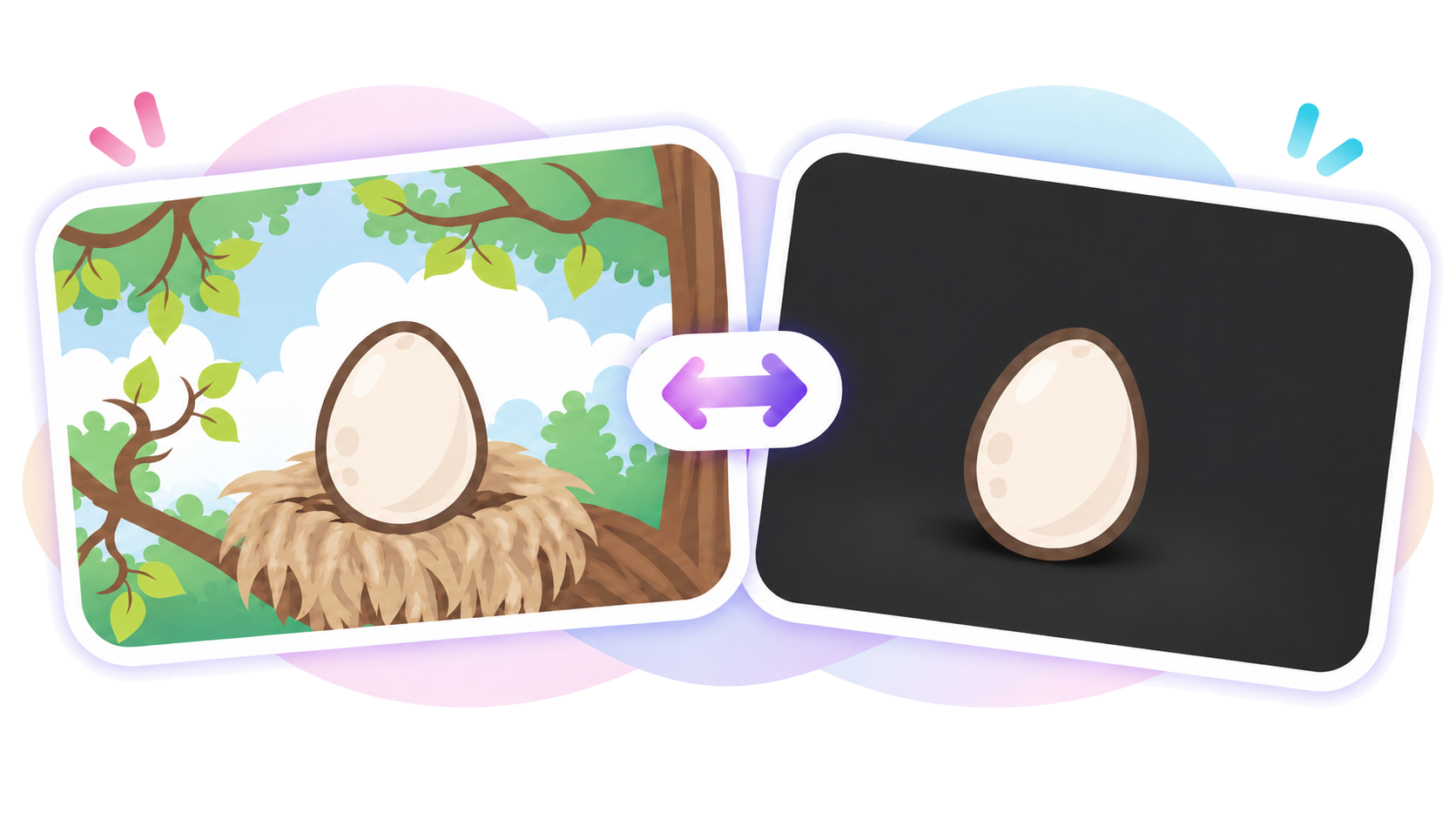
In KINKA the colorful game background can be replaced with a single color, thereby reducing the number of visual stimuli. This allows the child to more easily focus attention on the most important elements of the activity.
Several background colors are available to choose from, so the appearance of the game can be tailored to the individual needs and preferences of the child.
Individual profiles
Separate settings, own progress
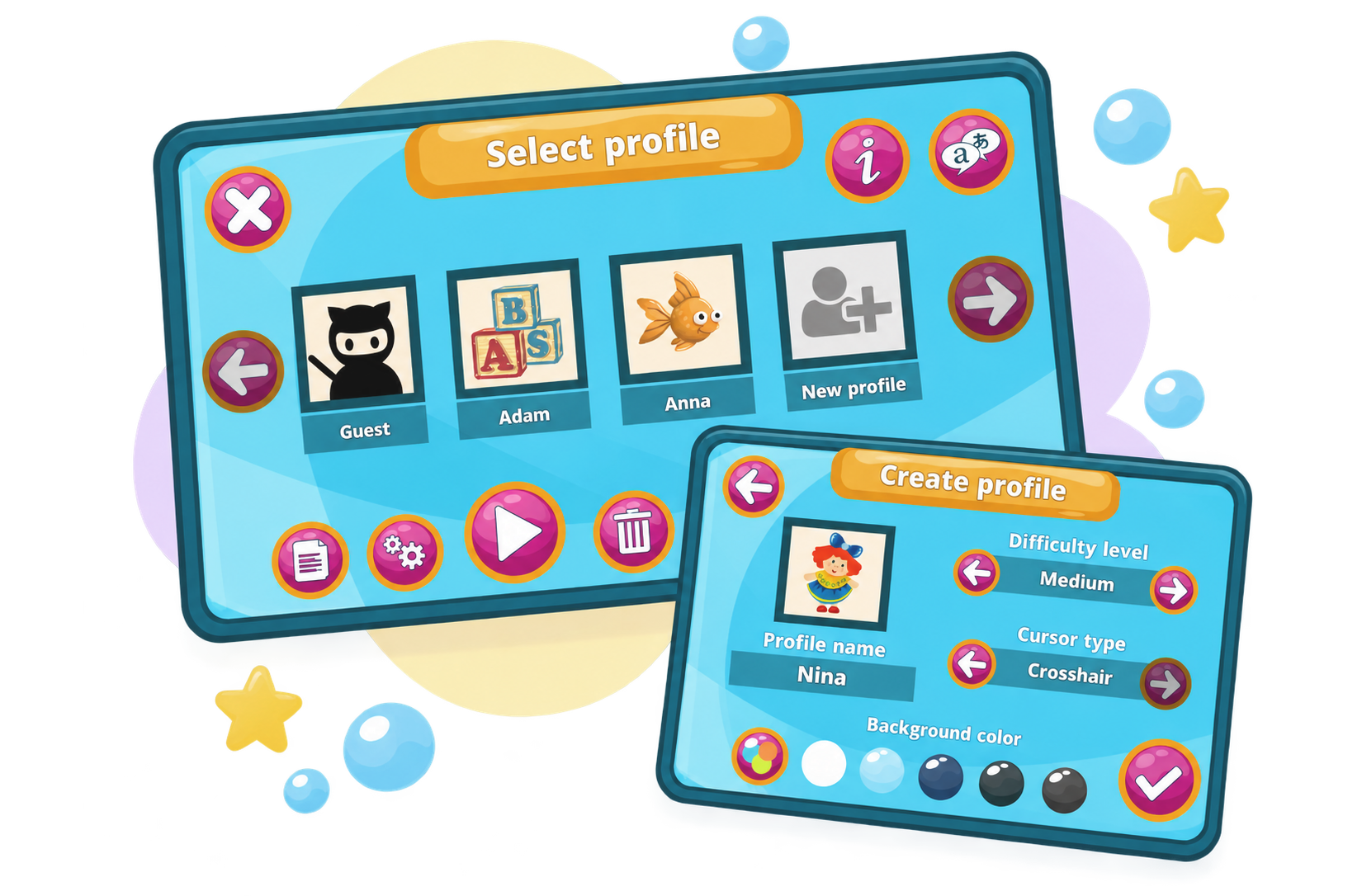
KINKA allows creating individual profiles in which game settings and the results of individual activities are stored. This way each child can use the software in a manner tailored to their own needs and abilities.
Switching between profiles makes it easy for multiple users to share KINKA, whether at home, in therapy clinics or in educational settings.
Tracking progress
Observe the child's progress
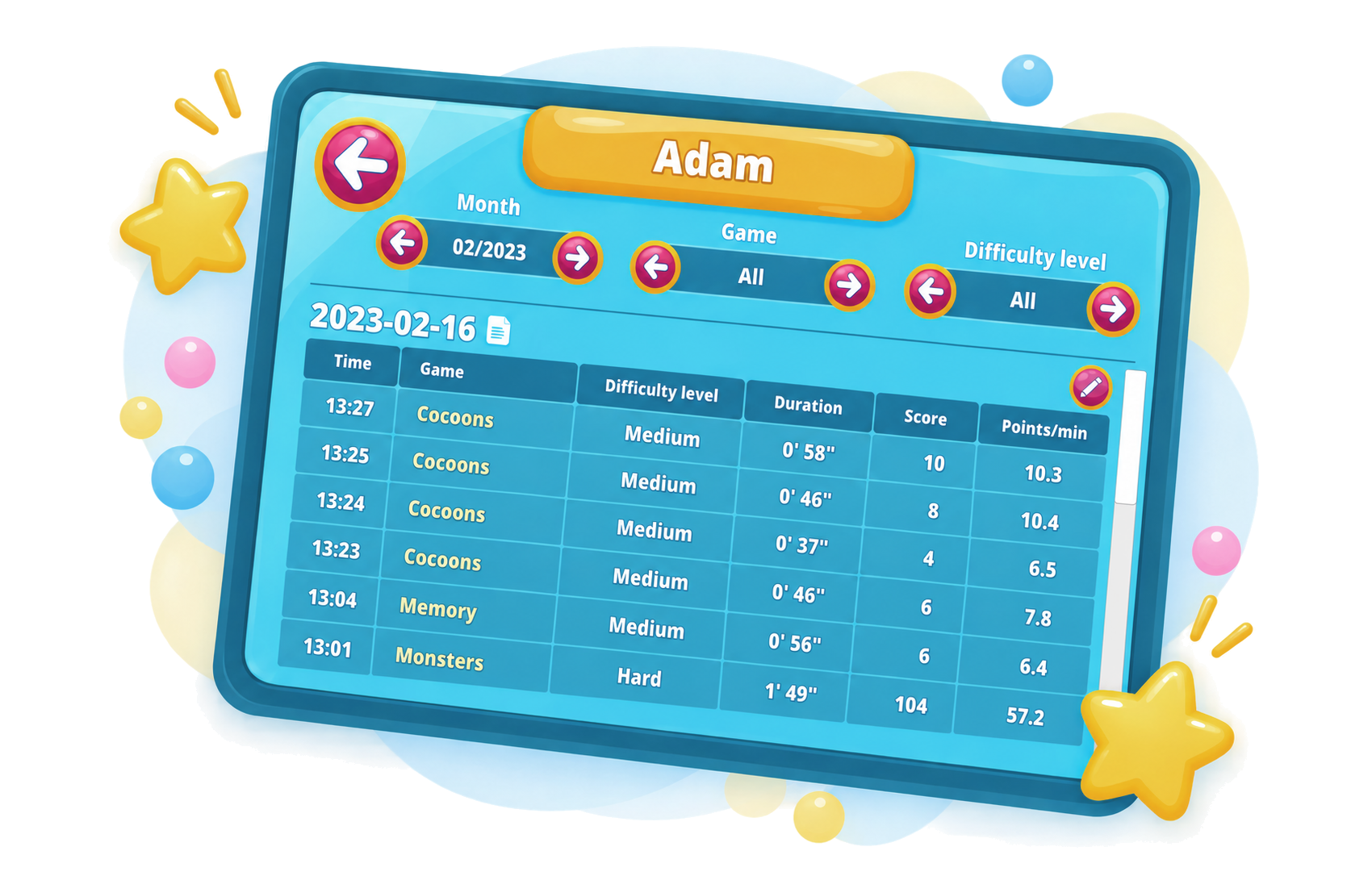
KINKA allows you to review each child's results and activity history. Recorded information, such as points earned or time spent playing, helps you track their progress and better understand their abilities.
Additionally, notes can be saved for individual days, making it easier to document observations and share them with others supporting the child.
More customization options
KINKA also offers additional settings to better tailor the software to each child's individual needs.

Cursor appearance
Choose the type of pointer showing the place the child is directing their gaze at.

Sounds and music
Adjust the volume of music and sound effects or turn them off completely.

Control options
Control menus and settings using gaze, mouse or a touch screen.
Try KINKA for yourself
Explore KINKA's activities and discover how you can tailor the software to your child's needs.
Download the demo version