What does the demo version include?
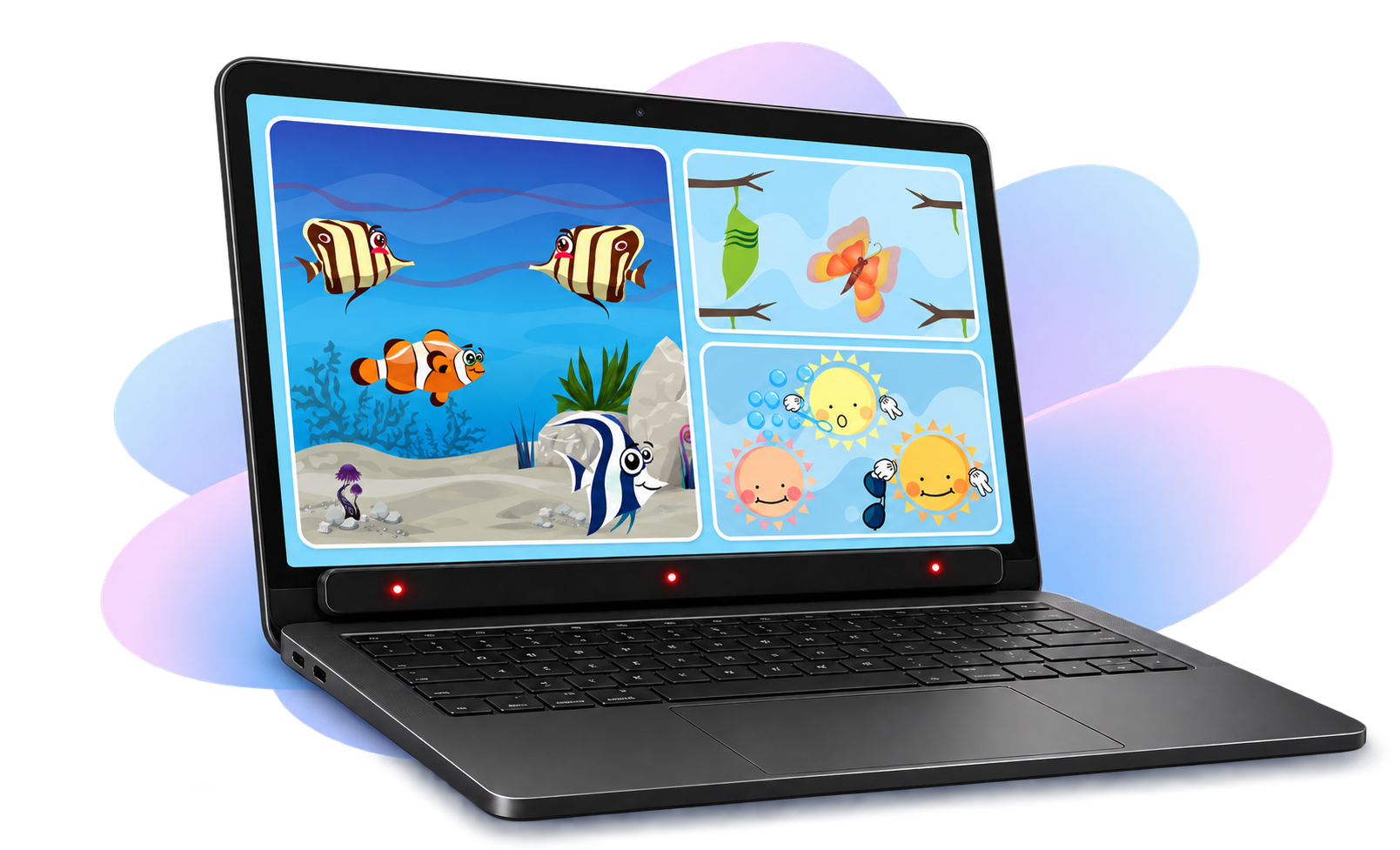
Explore KINKA's capabilities
The demo version provides access to all features and settings of the software. The only limitation is that it includes just 3 of the 21 activities.
The demo version can be downloaded for free and used without time limitations.
How to start the demo version?
No activation code required
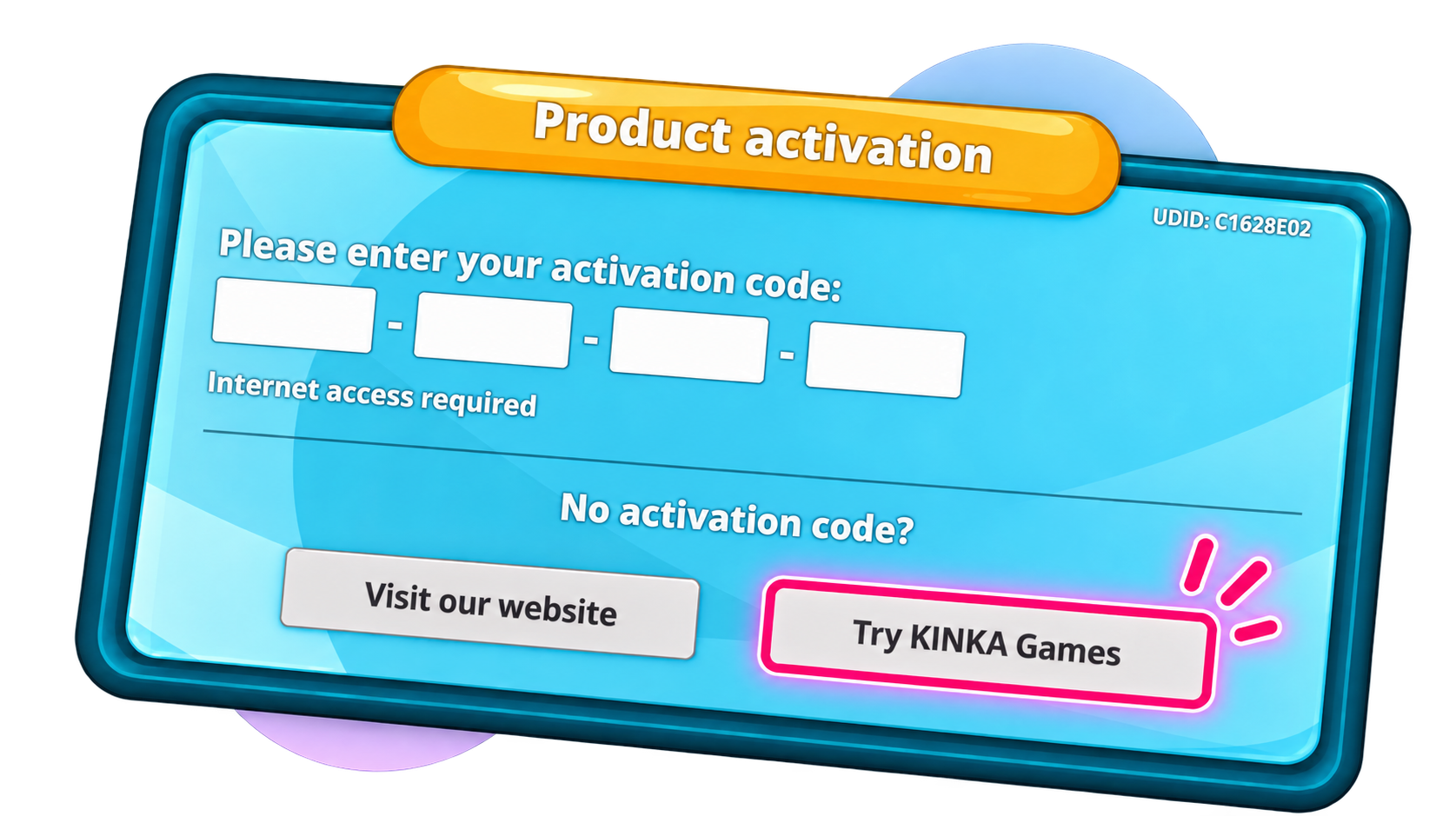
After installing and starting KINKA, the product activation screen will appear. To start using the demo version, it is enough to click the “Try KINKA Games” button.
You do not need to enter an activation code - it is only required to unlock the full version of the software.
Technical requirements
Check compatibility
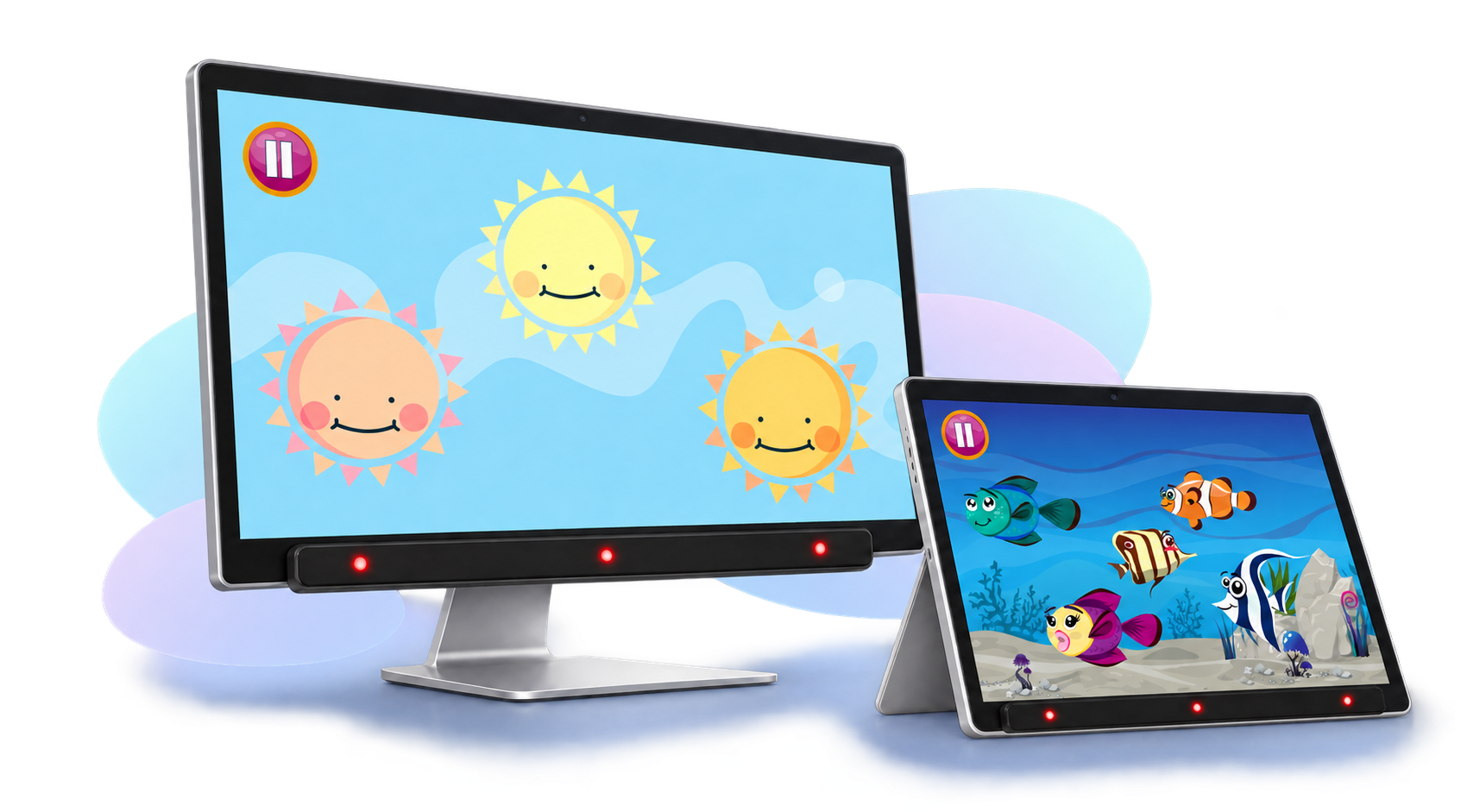
KINKA works on desktop computers, laptops and tablets running the Windows operating system. It is compatible with eye trackers from various manufacturers that enable mouse cursor control (e.g. Tobii Dynavox devices from the PCEye and I-Series families) as well as with selected gaming eye trackers (Tobii EyeX and Tobii Eye Tracker 4C models).
The demo version lets you check how the software works on your own device and test its compatibility with your eye tracker.